The message board is a useful feature
that allows the teacher to post a question and students to post their
answers online for all to see. It works very much like an in-house blog.
Step 1.) Log
on as a teacher and click the "message board" icon.
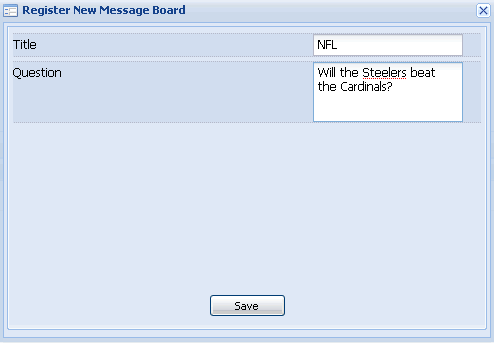
Step 2.) Click on "Add New Message Board.".
Step 3.) Enter Message Board Information and click "save."
The message board will automatically be deployed for all of
your students to respond to.
How do Students Answer the Message Board?
Step 1.) Log in as a student and click the
message board icon.
Step 2.) Click to select the message board of interest.
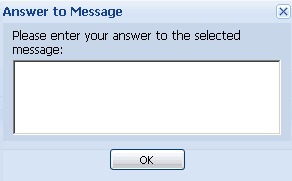
Step 3.) Click "answer to message."
Step 4.) Answer the message and click "ok."
How do I see Responses?
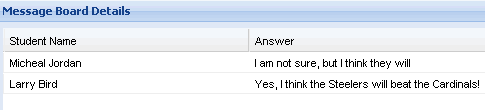
To see student responses, simply click to select
the message board of interest and responses will appear
at the bottom of the page. You may have to turn the page
to see all messages by typing page "2
of 2," for
example at the bottom of the page.