Information |
| Login |
| Contact |
| Privacy/Terms of Use |
Bookmarks |
Use the bookmark library to bookmark sites you would like students to visit. Once bookmarked, students can visit the chosen site simply by clicking on it. Making a bookmark library is very easy! How to make a bookmark library | How do students use the bookmark library? |
| Step 1.) Log on as a teacher and click the "bookmarks" icon. |
Step 2.) Click on " Add New Bookmark."
|
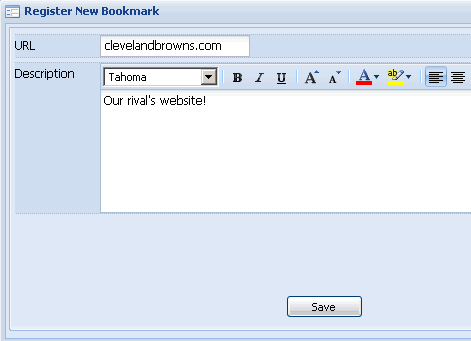
Step 3.) Enter the url and description for the url. Note - When entering the url leave out the "http://" The bookmark system will automatically insert it.
|
Step 4.) Click Save. Your new bookmark will automatically appear in your students' bookmark library.
|
| Step 1.) Log in as a student and click the bookmarks icon. |
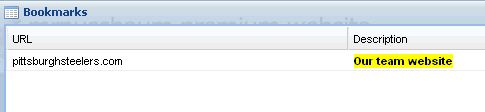
Step 2.) Bookmarks will appear. Simply click on one to visit the site.
|