The MrNussbaumpremium.com calendar system
allows teachers to assign daily homework assignments to students. These
assignments appear as messages on their assigned day on the activities
calendar in the student (school user) and teacher accounts.
Step 5.) Fill in information required for
the assignment sheet. Click "save." You will add specifics
in step 7.
Step 6.) Click to select the
assignment sheet and click "define homework
elements."
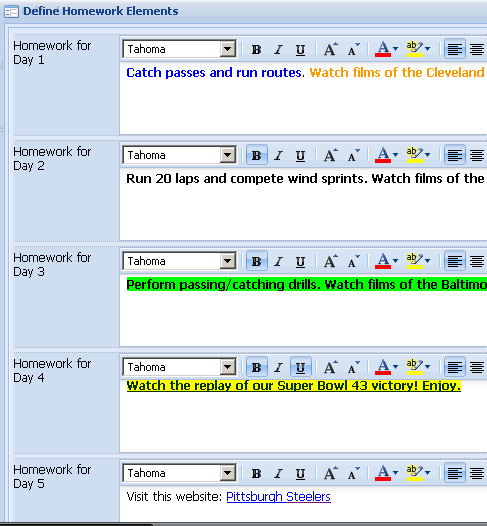
Step 7.) Fill in the assignment
sheet. You can customize the fonts, alignments, colors, and more.
You can even add hypertext links. Make sure you click the save button
at the bottom.
Step 8.) Click "deploy homework."
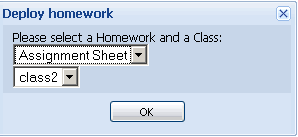
Step 9.) Select the homework
to deploy and the class to deploy it to. Click "ok."
How do Students see Assignment Sheets?
Step 1.) Log on as students and click the "events calendar"
icon.
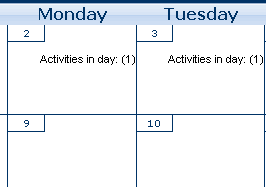
Step 2.) Student events calendar will appear. Days
that have been assigned homework will display "click here ."
Click on one of these days.
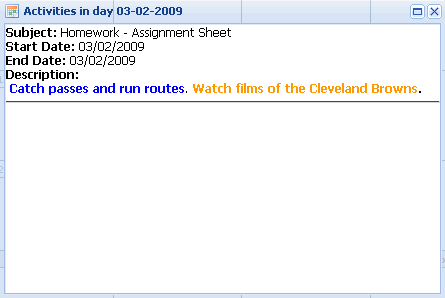
Step 3.) Read the homework description for that day
under Description.